 20240805 What Can Business Owners Learn from the Recent Global Microsoft Cloud Outage to Prevent Similar Incidents?
Insights \ Productivity
Considerations for upgrading your Windows 10 business computers to Windows 11
By Nick Tang
August 7th, 2024 @ 6:59 PM GMT+8
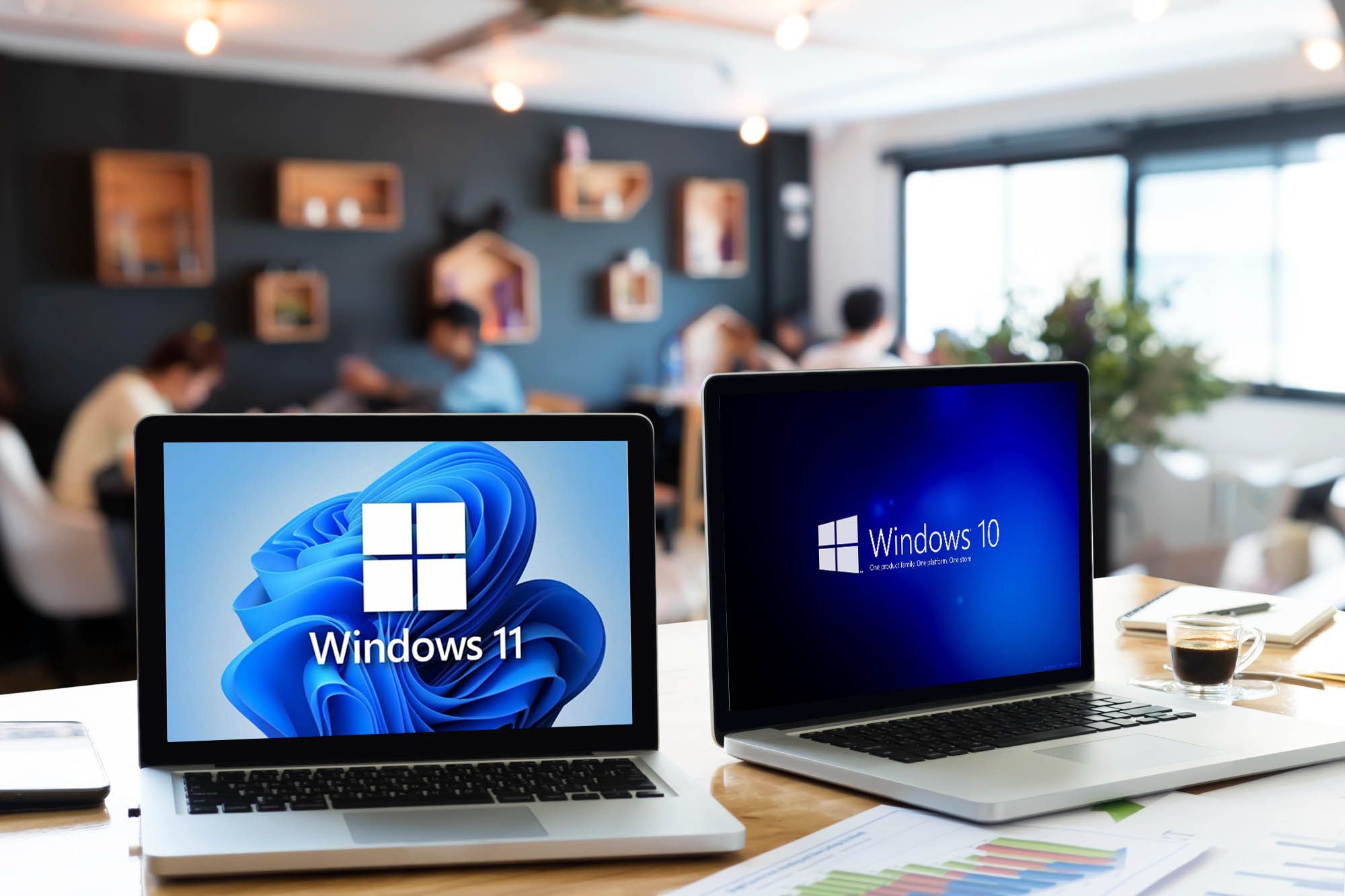
After October 14th, 2025, Microsoft will discontinue security updates and technical support for Windows 10. To ensure the reliability and security of computer systems, many companies have started planning their transition to Windows 11.
Choosing the right computer model that appropriately support business operational needs can be challenging, given the variety of specifications available in the market. Here are five key points to consider when purchasing new computers:
1. The Role of the Incumbent
Understanding the specific needs of each position helps determine the type of computer required. This includes specific hardware or software requirements necessary for certain applications to function. This consideration can also help in managing costs effectively.
2. Hardware Longevity and Expandability
Since the computer will be used for at least the next 5 years, choose models that allow for future upgrades in RAM and storage. This will help meet evolving needs and potential increases in CPU resource consumption.
3. Operating System and Data Security
Choose computers compatible with Windows 11 Pro, which offers enhanced security and manageability features. One significant feature is the ability to encrypt the internal hard drive, ensuring only authorized users can access the data. This makes data non-retrievable even through backdoor methods.
4. The Choice of Applications
Selecting the right software is crucial for businesses. Using appropriate applications will prevent security and legal issues, simplify computer deployment, and streamline user training. Ensure that the software chosen aligns with the recommended hardware specifications to function optimally.
5. Warranty and Support
Hardware issues are inevitable. A robust warranty can help manage lead times and guarantee compatible replacement parts, reducing downtime and the administrative burden of arranging repairs.
Additionally, ensure an antivirus scanner/endpoint security is installed to keep your computer safe. If your computer contains confidential documents or is used for banking transactions, prioritize protection for your computer.
Speak with your IT vendor about your needs before making a purchase or consult with our experts to address any issues you are experiencing prior to a purchasing decision.